Display color presets
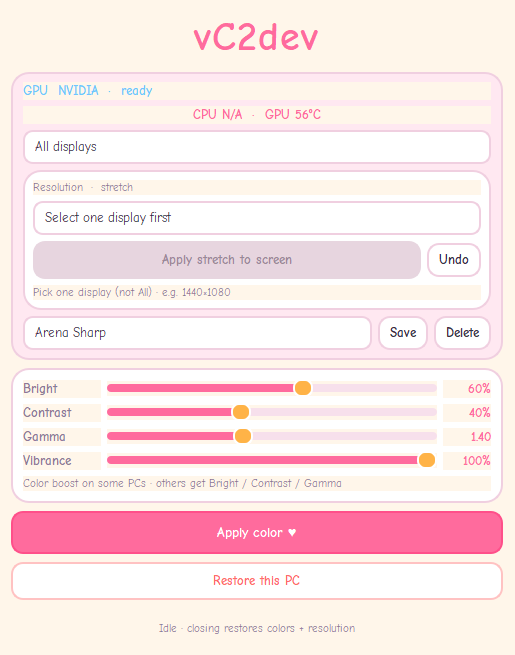
Switch Brightness, Contrast, Gamma, and Vibrance with one click — or fine-tune by hand.
vC2dev
A lightweight Windows app for display color tuning and stretched resolutions — esports-style presets, 1440×1080 stretch, per-monitor control, and a clean restore when you’re done.
Pay once · 1 device · lifetime license
See the difference
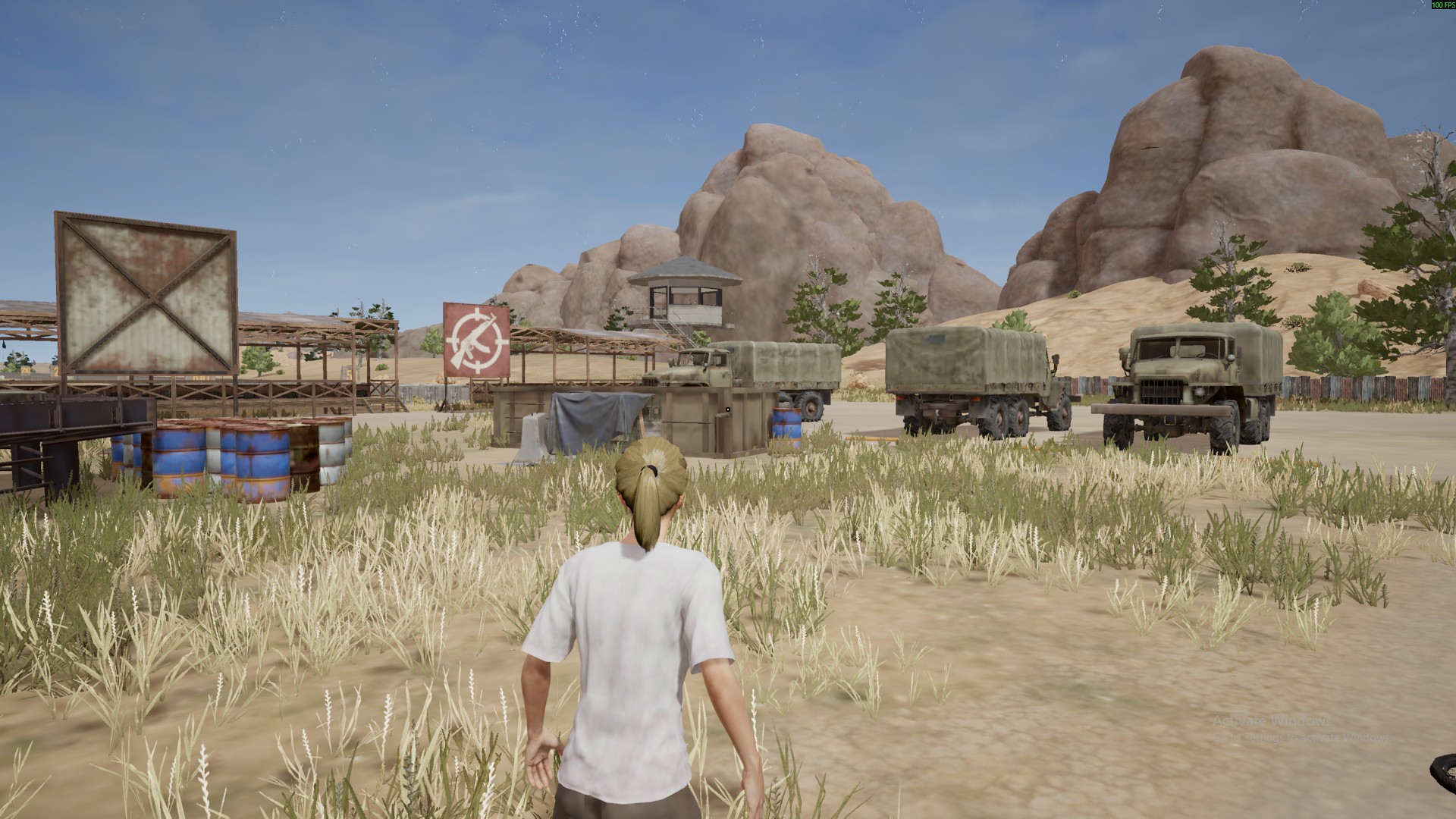
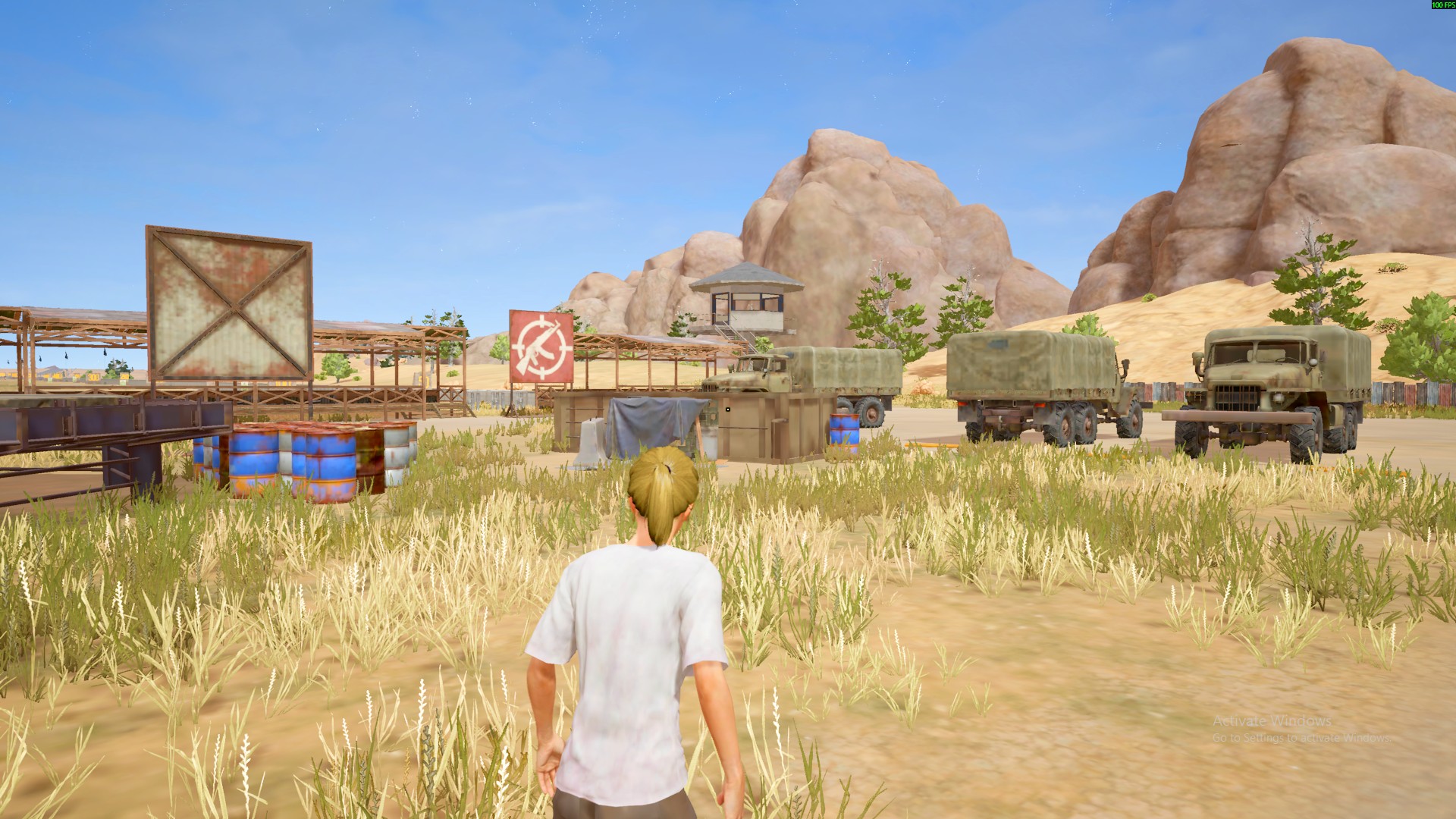
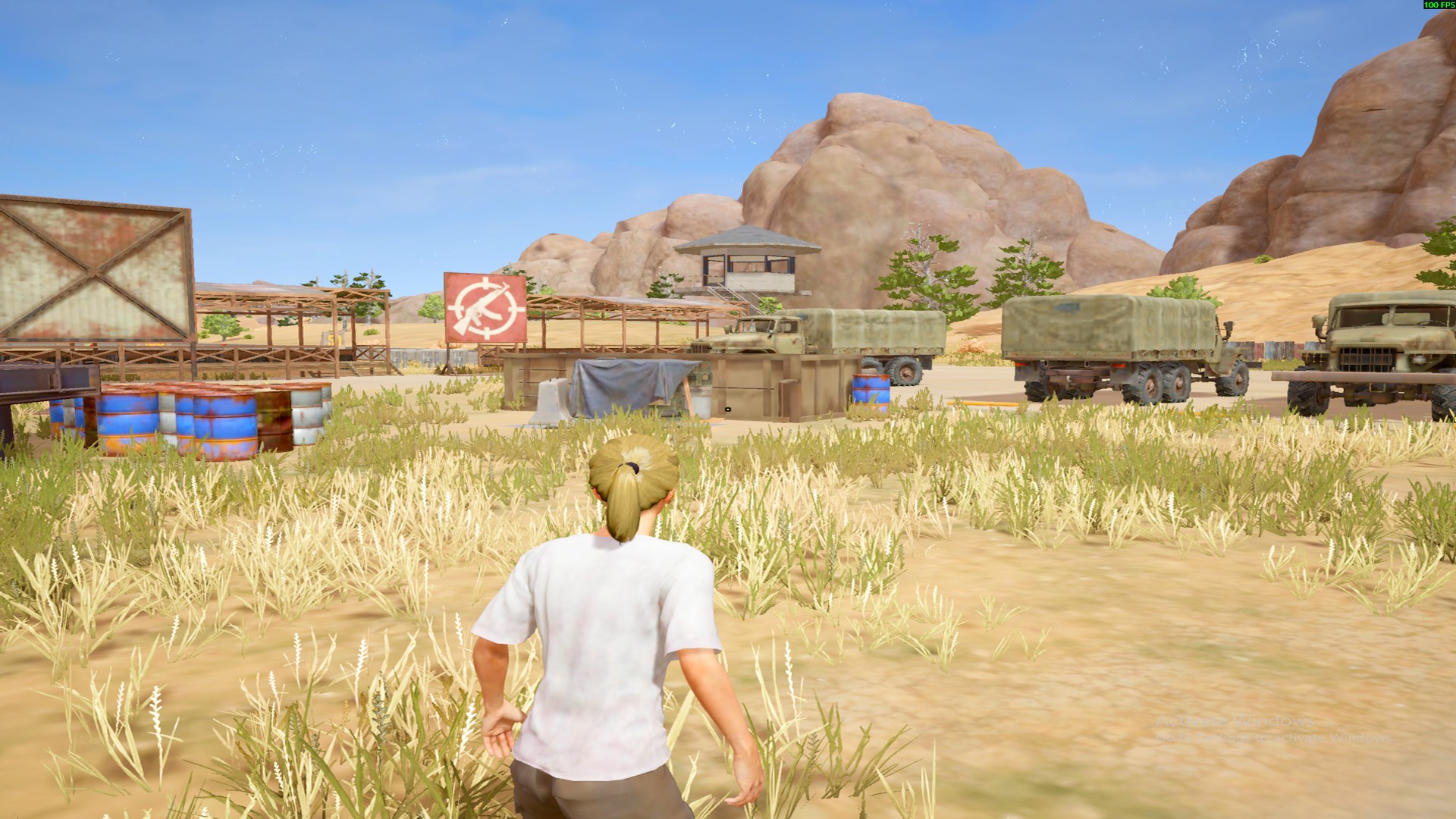
Compare Normal color, Esports Pop, and Esports Pop with 1440×1080 stretched resolution — the same scene, three desktop looks.
What you get
Switch Brightness, Contrast, Gamma, and Vibrance with one click — or fine-tune by hand.
Apply common stretch modes such as 1440×1080 so the desktop fills your widescreen monitor.
Apply color or stretch to one screen or all — useful if you use more than one monitor.
Undo or close the app to bring your PC back to how it looked before.
How it works
Complete checkout. You receive a lifetime license key by email.
Open vC2dev, paste your key, and unlock the app on this PC.
Choose a preset or your own settings. Restore anytime with Undo or by closing the app.
Lifetime license
$2.99 USD
One-time purchase · 1 device · transfer anytime
FAQ
Windows desktops and laptops. Core look controls work broadly; some advanced options depend on your graphics setup.
No. Use Undo, or simply close the app, to return to your previous display look.
One active device by default. Remove the license in the app, then activate on another PC.
Yes. Pick a display, choose a stretch mode such as 1440×1080, and apply. Undo or close the app to restore your previous resolution.
A small Windows utility for display color tuning and stretched desktop resolutions — nothing more.
Lifetime access. Activate once. Dial in your look anytime.
Get vC2dev — $2.99